
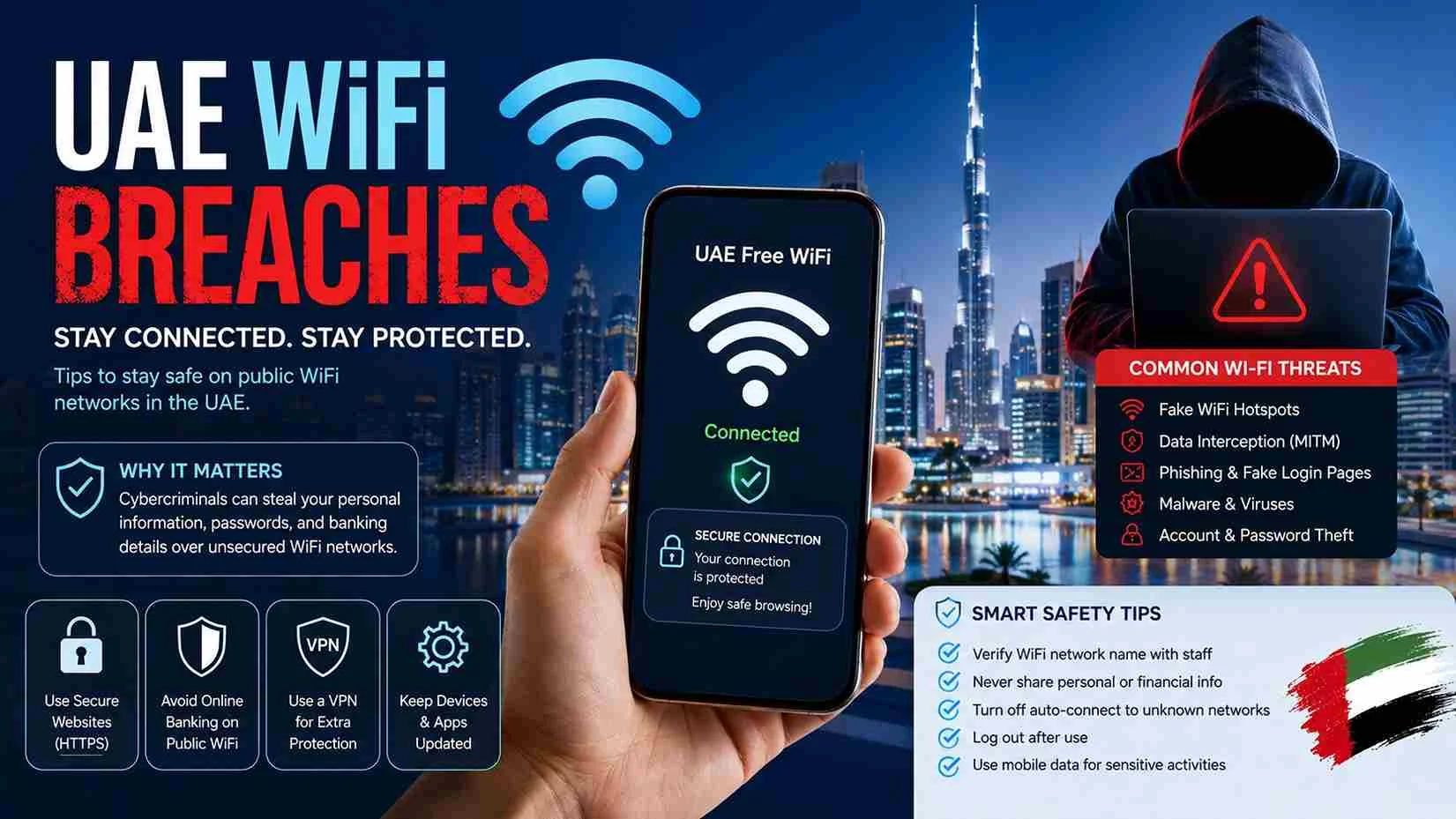
UAE WiFi Breaches – How to Stay Safe on Public WiFi Networks in the UAE (2026 Guide)
Free WiFi is available almost everywhere in the UAE—from airports, shopping malls, hotels, restaurants, cafés, metro stations, universities, hospitals, and public parks. While these networks make it convenient to stay connected, they also create opportunities for cybercriminals to target unsuspecting users.
Searches for “UAE WiFi breaches” have increased as people become more aware of cyber threats such as data theft, fake WiFi hotspots, phishing attacks, malware infections, and account hacking. Whether you’re a resident, tourist, student, or business traveler, understanding how WiFi breaches happen can help protect your personal and financial information.
This guide on UAEbreaking.com explains everything you need to know about WiFi security in the UAE, including common attack methods, warning signs, prevention tips, and what to do if your information has been compromised.
What Is a WiFi Breach?
A WiFi breach occurs when an unauthorized person gains access to a wireless network or intercepts data transmitted over that network. The goal may be to steal passwords, banking information, business data, emails, personal files, or login credentials.
A WiFi breach does not necessarily mean the WiFi provider has been hacked. In many cases, attackers exploit unsecured devices or trick users into connecting to fake networks.
Are WiFi Breaches Common in the UAE?
The UAE has one of the world’s most advanced digital infrastructures and places strong emphasis on cybersecurity. However, like every connected country, it remains a target for cybercriminals.
Most reported incidents involve:
- Fake public WiFi hotspots
- Phishing websites
- Malware distribution
- Credential theft
- Social engineering
- Account takeover attempts
The risk is generally highest on public or unsecured networks rather than protected home or office WiFi.
How Public WiFi Works
Public WiFi allows users to connect to the internet without using mobile data. These networks are commonly available at:
- Shopping malls
- Airports
- Hotels
- Coffee shops
- Restaurants
- Metro stations
- Bus stations
- Universities
- Hospitals
- Government waiting areas
While convenient, public networks are shared by many users, making them more attractive targets for attackers.
Common Types of WiFi Breaches
Fake WiFi Hotspots
One of the most common attacks involves creating a fake WiFi network with a name similar to a legitimate one.
For example:
- Mall Free WiFi
- Airport Guest
- Hotel WiFi
- Coffee Shop Internet
Users connect thinking it is the official network, while attackers monitor traffic or redirect them to malicious websites.
Man-in-the-Middle (MITM) Attacks
In this type of attack, cybercriminals secretly intercept communication between your device and the internet.
They may attempt to capture:
- Login credentials
- Emails
- Banking sessions
- Personal messages
- Payment details
Because the connection appears normal, many users never realize their data has been intercepted.
Phishing Through Public WiFi
Some fake networks display login pages requesting unnecessary information such as:
- Email addresses
- Passwords
- Mobile numbers
- Banking credentials
- UAE PASS details
Official public WiFi providers generally require only basic information or a one-time verification. They will never ask for your banking password or OTP.
Malware Distribution
Compromised networks may redirect users to websites that attempt to install malicious software.
Malware can:
- Monitor activity
- Steal passwords
- Record keystrokes
- Encrypt files for ransom
- Access stored documents
Keeping devices updated significantly reduces this risk.
Session Hijacking
If a website does not use secure encryption, attackers may attempt to hijack an active session.
This could allow unauthorized access to:
- Social media accounts
- Email accounts
- Online shopping accounts
- Other web services
Warning Signs of an Unsafe WiFi Network
Be cautious if you notice:
- Multiple networks with similar names
- No password protection where one is expected
- Unexpected login pages
- Requests for sensitive information
- Frequent disconnections
- Extremely slow internet speeds
- Security certificate warnings
- Browser redirects
If something feels unusual, disconnect immediately.
Risks of Using Unsecured WiFi
Using an unsecured network can expose:
- Personal information
- Photos and documents
- Email accounts
- Cloud storage
- Banking sessions
- Business files
- Passwords
- Online shopping accounts
The level of risk depends on your online activities and the security of the websites you visit.
How to Stay Safe on Public WiFi
Verify the Network Name
Always confirm the exact WiFi name with staff before connecting.
Avoid guessing which network is official.
Use Secure Websites
Ensure websites begin with:
https://
The padlock icon indicates encrypted communication.
Avoid Online Banking
Do not access internet banking, salary portals, or financial accounts while connected to public WiFi.
Use your mobile data or a trusted private network instead.
Keep Your Device Updated
Install:
- Operating system updates
- Security patches
- Browser updates
- Antivirus updates
These updates often fix vulnerabilities exploited by attackers.
Disable Automatic WiFi Connection
Many smartphones automatically reconnect to previously used networks.
Turning this feature off helps prevent accidental connections to fake hotspots.
Turn Off File Sharing
Disable:
- File sharing
- Printer sharing
- Network discovery
when using public networks.
Log Out After Use
Always sign out of important accounts after finishing your session.
Is Home WiFi Safer?
Generally, yes.
A properly configured home WiFi network protected by a strong password and modern encryption offers significantly better security than public hotspots.
Home users should:
- Change the default router password
- Use WPA2 or WPA3 encryption
- Update router firmware
- Create strong WiFi passwords
- Disable unnecessary remote management features
How Businesses Can Reduce WiFi Risks
Organizations should implement:
- Separate guest networks
- Strong authentication
- Network monitoring
- Firewall protection
- Employee cybersecurity training
- Regular software updates
- Access controls
These measures reduce the likelihood of unauthorized access.
What to Do If You Suspect a WiFi Breach
If you believe your information may have been compromised:
- Disconnect from the WiFi network immediately.
- Change passwords for important accounts.
- Enable two-factor authentication where available.
- Scan your device for malware.
- Monitor financial accounts for unusual activity.
- Contact the relevant service provider if you notice unauthorized access.
Acting quickly can help minimize potential damage.
WiFi Security Best Practices
Following simple habits can greatly improve your online safety.
Recommended practices include:
- Use strong, unique passwords.
- Enable device screen locks.
- Keep backups of important files.
- Avoid clicking suspicious links.
- Download apps only from trusted stores.
- Review account activity regularly.
- Enable security notifications on important accounts.
People Also Ask
Can public WiFi steal my passwords?
Public WiFi itself does not steal passwords, but attackers using fake or unsecured networks may attempt to intercept login credentials if proper security measures are not in place.
Is free WiFi safe in the UAE?
Many public WiFi services in the UAE are operated by reputable organizations and are generally safe. However, users should always verify the network name and avoid accessing sensitive accounts on public connections.
What is a fake WiFi hotspot?
A fake hotspot is a wireless network created by cybercriminals to imitate a legitimate public WiFi service and trick users into connecting.
Should I use online banking on public WiFi?
It is safer to avoid accessing banking or payment services while connected to public WiFi. Use a trusted private network or mobile data whenever possible.
How can I tell if a WiFi network is secure?
Secure networks typically use encryption, display a padlock when visiting websites that use HTTPS, and do not request unnecessary personal or financial information.
Can hackers access my phone through WiFi?
If a device has security vulnerabilities or connects to a malicious network, attackers may attempt to exploit those weaknesses. Keeping your device updated significantly reduces the risk.
Frequently Asked Questions
Can I safely use social media on public WiFi?
Yes, but ensure your accounts have strong passwords and two-factor authentication enabled.
Is using mobile data safer than public WiFi?
In many situations, mobile data provides a more secure connection for sensitive activities.
Does turning off WiFi when not in use improve security?
Yes. Disabling WiFi prevents automatic connections to unknown networks and reduces exposure to wireless attacks.
Should businesses provide guest WiFi?
Yes. However, guest WiFi should be isolated from internal business networks to improve security.
Final Thoughts
Public WiFi has become an essential part of daily life in the UAE, offering convenient internet access in malls, airports, hotels, cafés, transport hubs, and public spaces. While these services provide valuable connectivity, users should remain aware of the risks associated with unsecured or fake networks.
By understanding how WiFi breaches occur and following basic cybersecurity practices—such as verifying network names, using secure websites, avoiding sensitive transactions on public WiFi, and keeping devices updated—you can significantly reduce the risk of becoming a victim of cybercrime.
Staying informed and practicing safe online habits is the best defense against WiFi-related threats, helping you enjoy the convenience of wireless connectivity while protecting your personal and financial information.


